
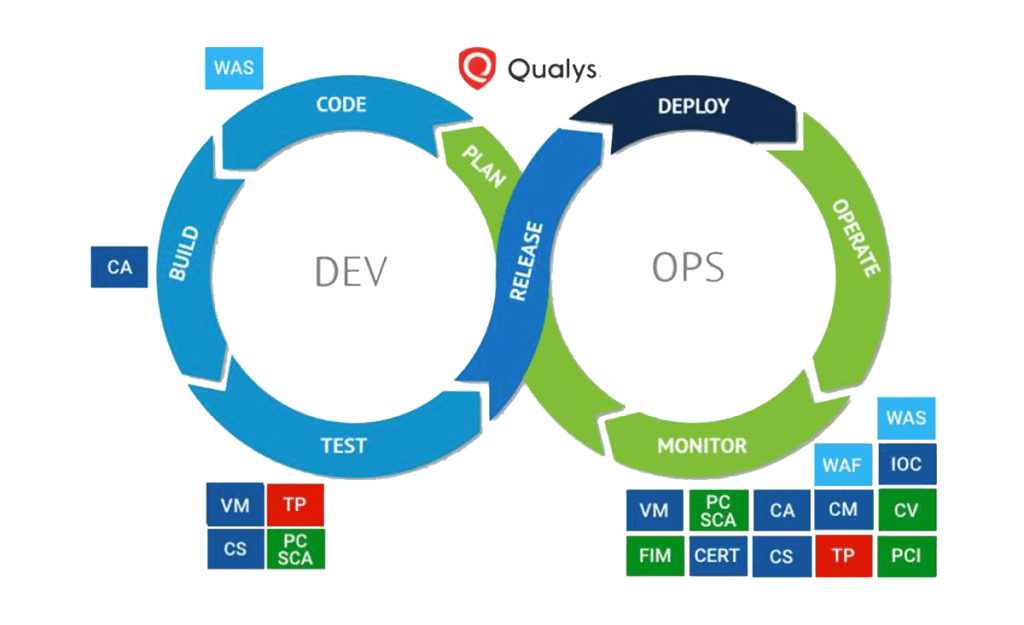
CI/CD is standard now in all the projects. Microsoft does offer Al-GO, but it only works Business Central SaaS platform, and you required GitHub Enterprise license, which will cost you $230 per user/year.
I spent a good time in finding a way to design CI/CD for On-premise. Finally, I got this article but work for Navision 2016, not BC 2021 release wave1. As such, I designed my own pipeline using Azure DevOps. Here are the steps I followed
Migrated Github repository to Azure Repository It is easier to keep everything in one place
Once done, click on the new Pipeline
select Use the Classic Editor

Select Source
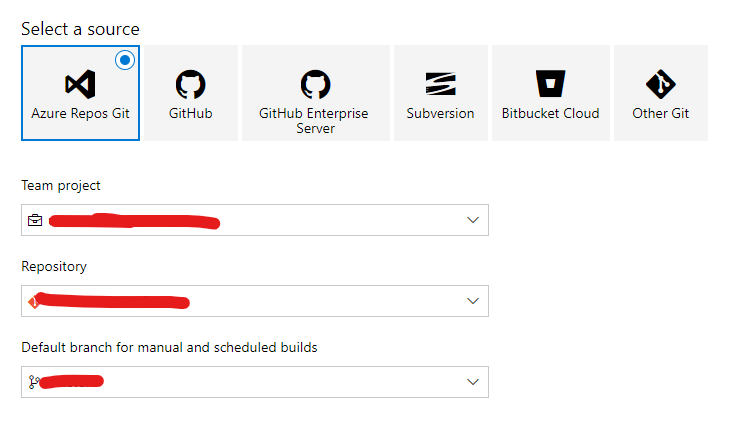
Don’t forget to select the right branch
Click next and select Empty Job

Provide Pipeline Name
Select Agent Pool (Make sure it is already configured in deployed server)
Rename Agent Job 1
Select Agent Pool
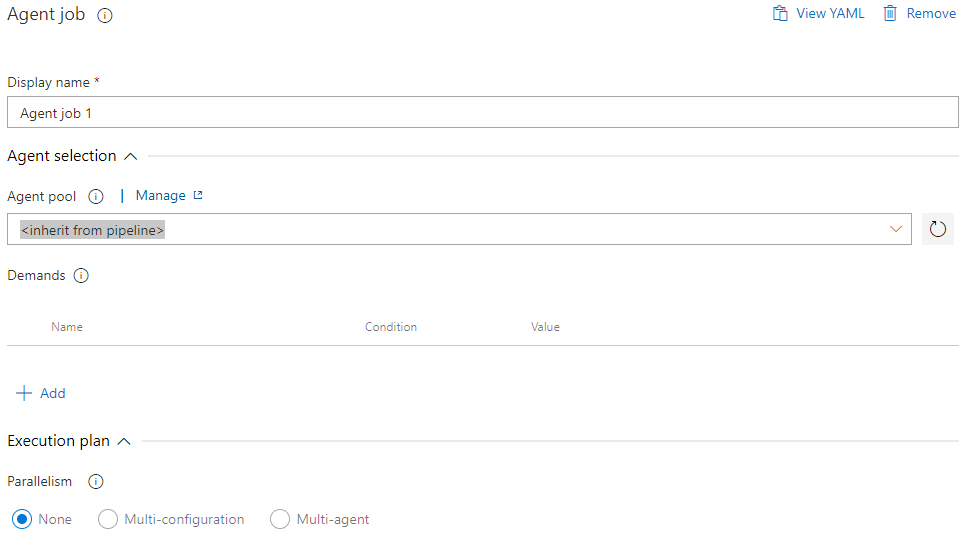
Click + Icon on Agent Job 1
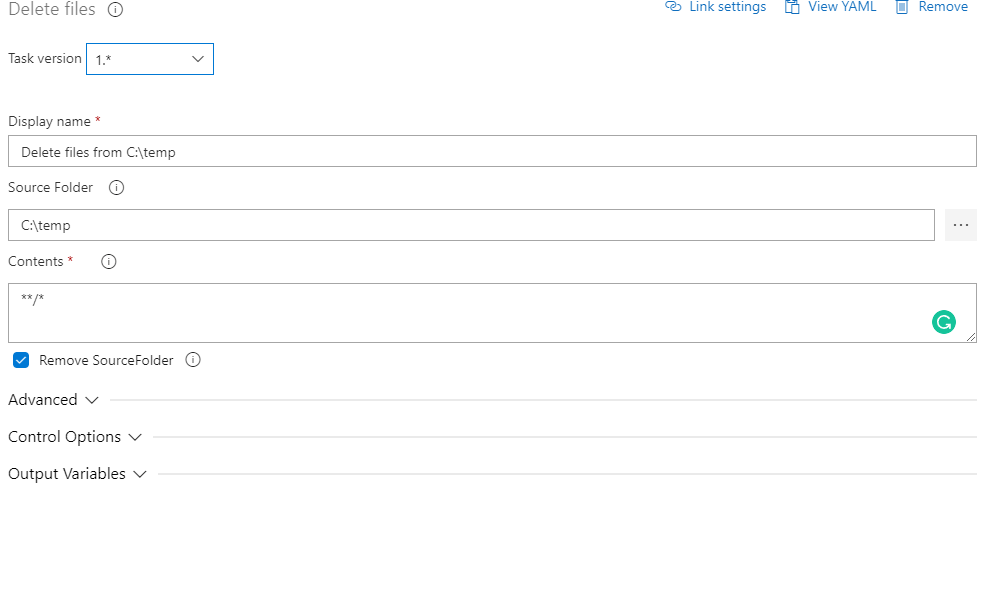
Search Delete Files
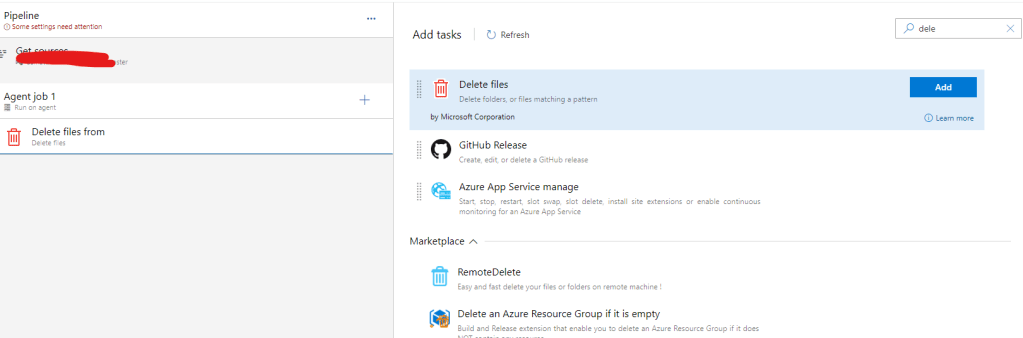
Delete Previous Files and Folder
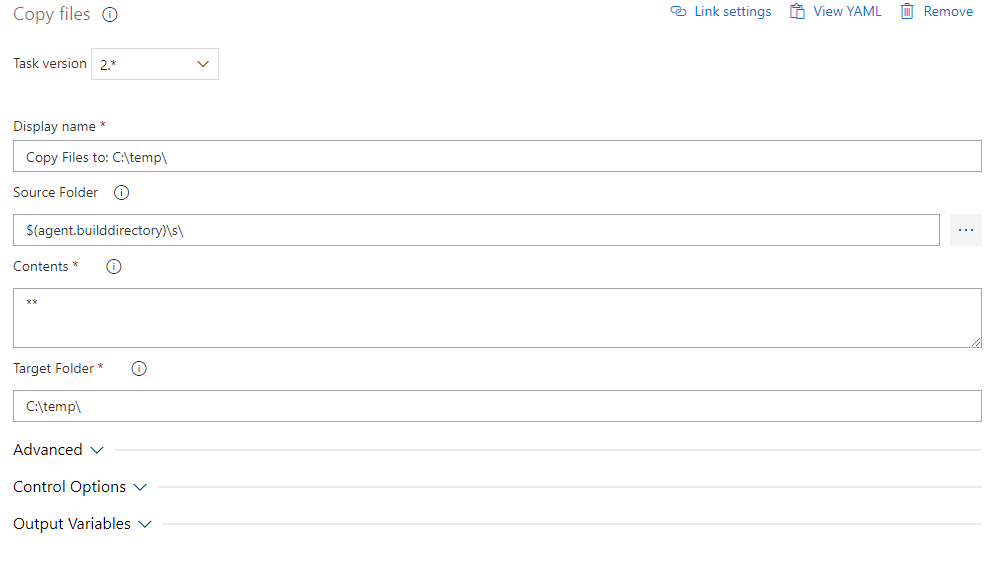
Search Copy Files
Search for PowerShell
Click Inline
Run the following Command
cd C:\temp

Write-Host "Build Project"

alc /project:. /packagecachepath:./.alpackages/ /out:XXX-V1.app
Know more about alc.exe here
It will build your .App for your extension.
Once App file generate, use Publish Command to publish App to your on-Premise Version
 Sandeep Palod